
Font Studio — Font Editor
Edit any TTF or OTF font. On your device.
You need to change a font file — swap a glyph, fix spacing, rename the family — but desktop font editors are expensive and online tools want your file uploaded to a server.
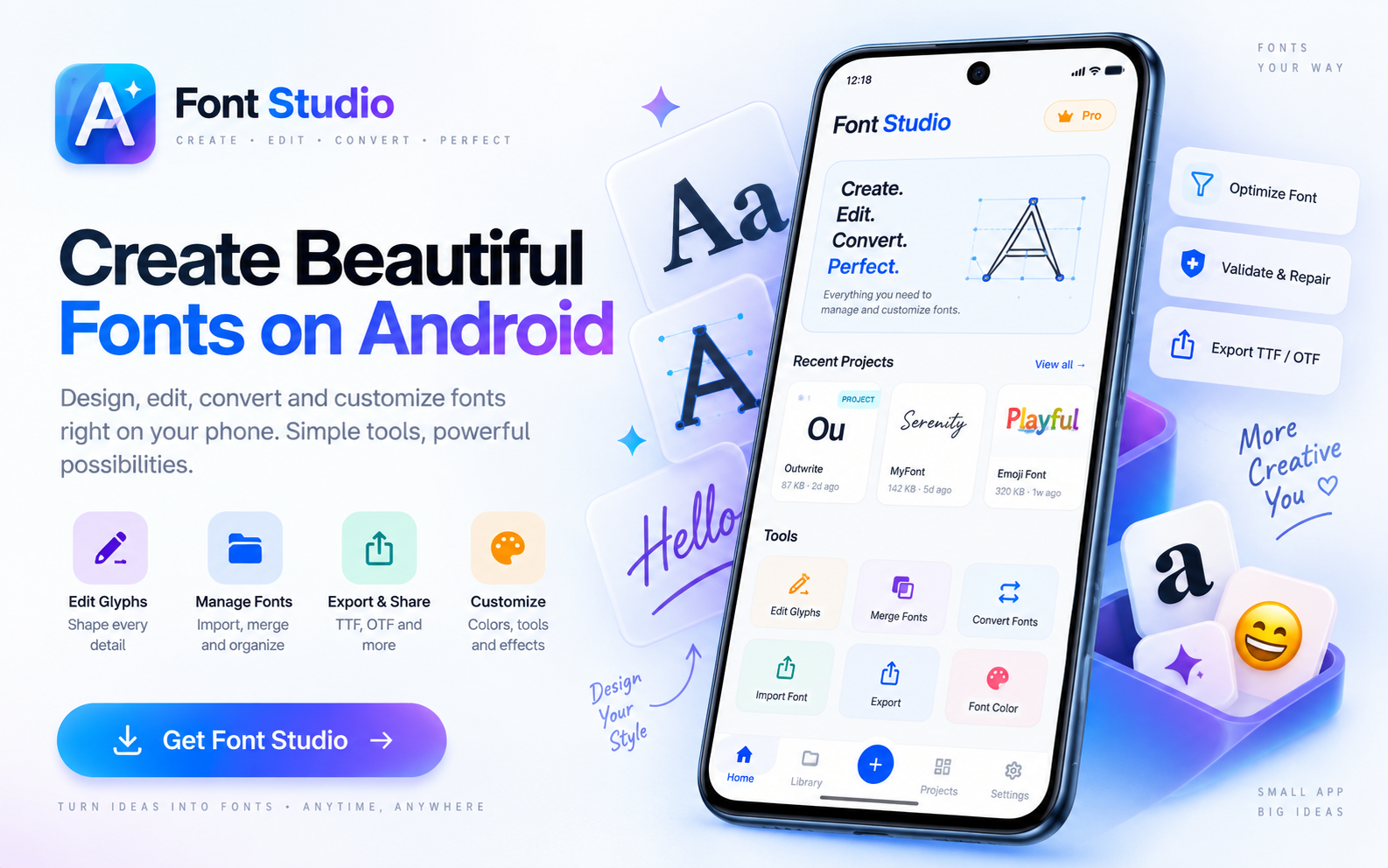
Capabilities
What it does
- Open TTF, OTF and WOFF fonts in a full editing workspace
- Remove, add and replace glyphs
- Edit spacing, advance widths and kerning pairs
- Inspect metadata, metrics and Unicode coverage before you edit
- Undo history — the original file is never overwritten
- Export to TTF, OTF or WOFF
Screens
See it working
Workflow
How it works
- 01
Open the font — TTF, OTF or WOFF — and inspect what you have: metadata, character coverage and structural health.
- 02
Make your edits: glyphs, metrics, names or character set. Every tool applies its result as an undoable project step.
- 03
Validate the edited font with Font Health before you ship it anywhere.
- 04
Export the modified file — the original stays intact.
Who it's for
Made for this job
- Designers and developers who need one surgical edit, not a desktop font suite
- Anyone who prefers their font files not to be uploaded to a web converter
Docs
In the documentation
Guides
Step-by-step walkthroughs
- How to edit a TTF font
- Fixing Arabic joining: building Lam-Alef ligatures that actually shape
- Replacing one emoji in Noto Color Emoji (CBDT/CBLC, no glyf table)
- Why your kerning disappears: the kern table vs GPOS
- Composite glyphs: how é works, and why subsetting can break it
- How to add a ligature to a font (fi, and everything else)
- Adding real small caps to a font (smcp, c2sc)
- From variable to static: instancing a variable font
- Why your font shows the wrong name (and how to rename it properly)
More Font Studio tools
- Glyph Editor
- Font Converter
- Font Repair
- Font Subsetter
- Font Merger
- Font Inspector
- Font Health
- Font Editor for Android
- Font Editor for iPad
Looking for everything in one place? Back to the Font Studio overview.
On-device processing
Try Font Studio
Free to download on Android and iPad. Font processing happens on your device — your font files are not uploaded.