
Font Studio — Font Editor for Android
The font editor that lives on your Android phone.
You want to edit or build a font, and the only computer within reach is the Android phone in your pocket.
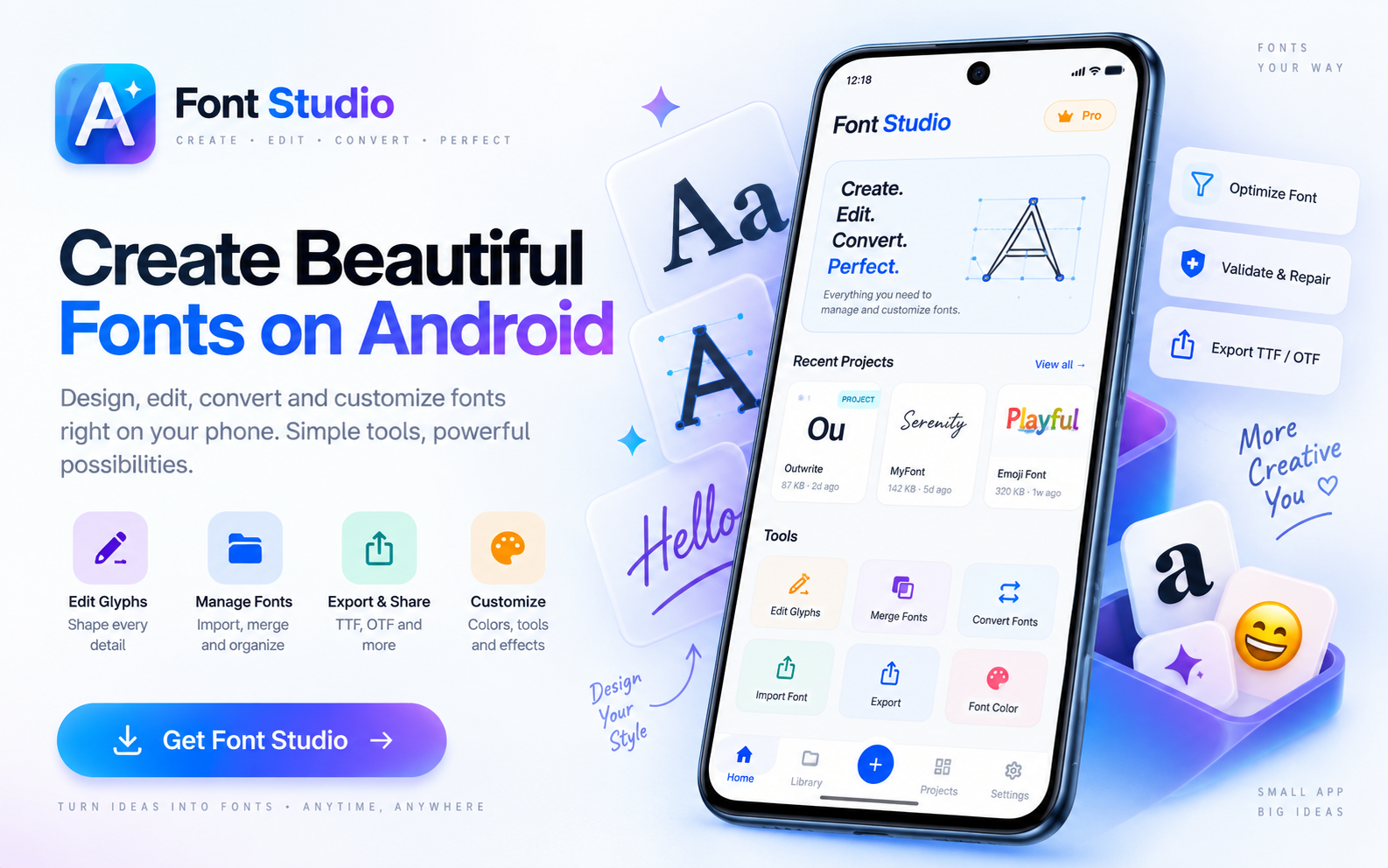
Capabilities
What it does
- Full editing workspace on Android 7.0+
- Glyph removal, subsetting, merging and repair — all touch-driven
- Font preview with your own sample text
- On-device processing — font files never leave the phone
- Works offline; no account needed
Screens
See it working
Workflow
How it works
- 01
Get the font onto the phone — download it, receive it, or copy it over USB.
- 02
Inspect before editing: what the file is, what it covers, whether it's structurally sound.
- 03
Edit by touch: removals and subsets are list-driven; merges are card-based decisions.
- 04
Validate, export, and share the result from your file manager like any other file.
Who it's for
Made for this job
- Android users who customize or build fonts on the go
- Developers preparing app fonts without a desktop loop
Docs
In the documentation
Guides
Step-by-step walkthroughs
More Font Studio tools
- Font Editor
- Glyph Editor
- Font Converter
- Font Repair
- Font Subsetter
- Font Merger
- Font Inspector
- Font Health
- Font Editor for iPad
Looking for everything in one place? Back to the Font Studio overview.
On-device processing
Try Font Studio
Free to download on Android and iPad. Font processing happens on your device — your font files are not uploaded.