
Font Studio — Font Editor for iPad
A bigger canvas for glyph drawing — and a Pencil for it.
A phone screen is a cramped place to draw letterforms. iPad's canvas and Apple Pencil turn glyph drawing from possible into precise.
Capabilities
What it does
- Runs on iPhone and iPad (iOS 15+), one shared engine with Android
- The Glyph Designer canvas grows to fill the iPad screen
- Three-pane tools use the full width instead of stacking
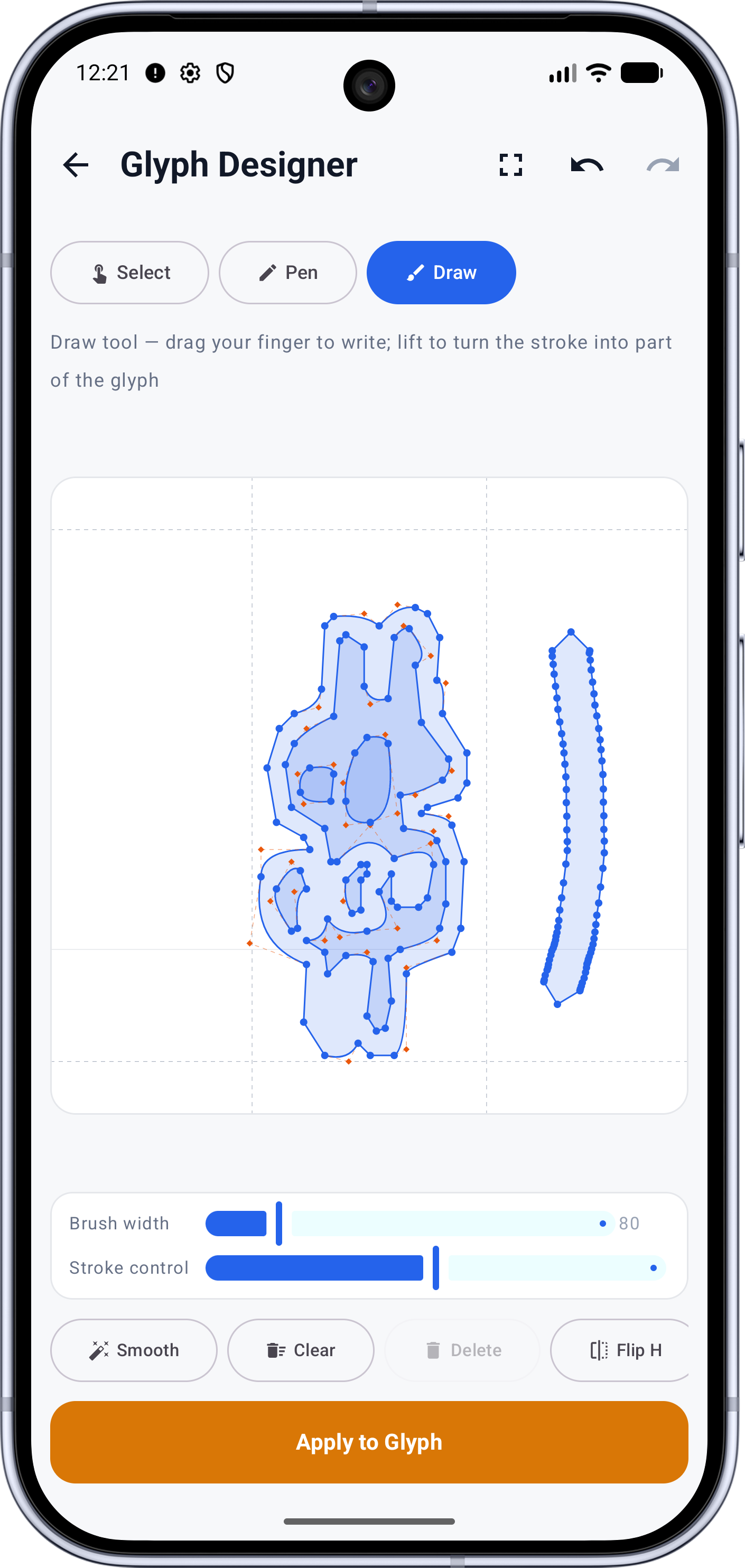
- Draw mode with Apple Pencil — the most precise input Font Studio supports
- Pro purchases shared across devices through the App Store
Screens
See it working
Workflow
How it works
- 01
Install Font Studio from the App Store on any supported iPhone or iPad.
- 02
Fonts travel through the Files app — keep originals and exports in one folder.
- 03
Draw or edit glyphs in the Glyph Designer with Pencil, over the metric guides.
- 04
Export the result — converted, composed or packaged — without leaving the tablet.
Who it's for
Made for this job
- iPad owners designing typefaces with a stylus
- Anyone who wants the full font toolkit with a bigger screen
Docs
In the documentation
Guides
Step-by-step walkthroughs
More Font Studio tools
- Font Editor
- Glyph Editor
- Font Converter
- Font Repair
- Font Subsetter
- Font Merger
- Font Inspector
- Font Health
- Font Editor for Android
Looking for everything in one place? Back to the Font Studio overview.
On-device processing
Try Font Studio
Free to download on Android and iPad. Font processing happens on your device — your font files are not uploaded.