
01 — Font Studio
Professional font engineering,
in your pocket.
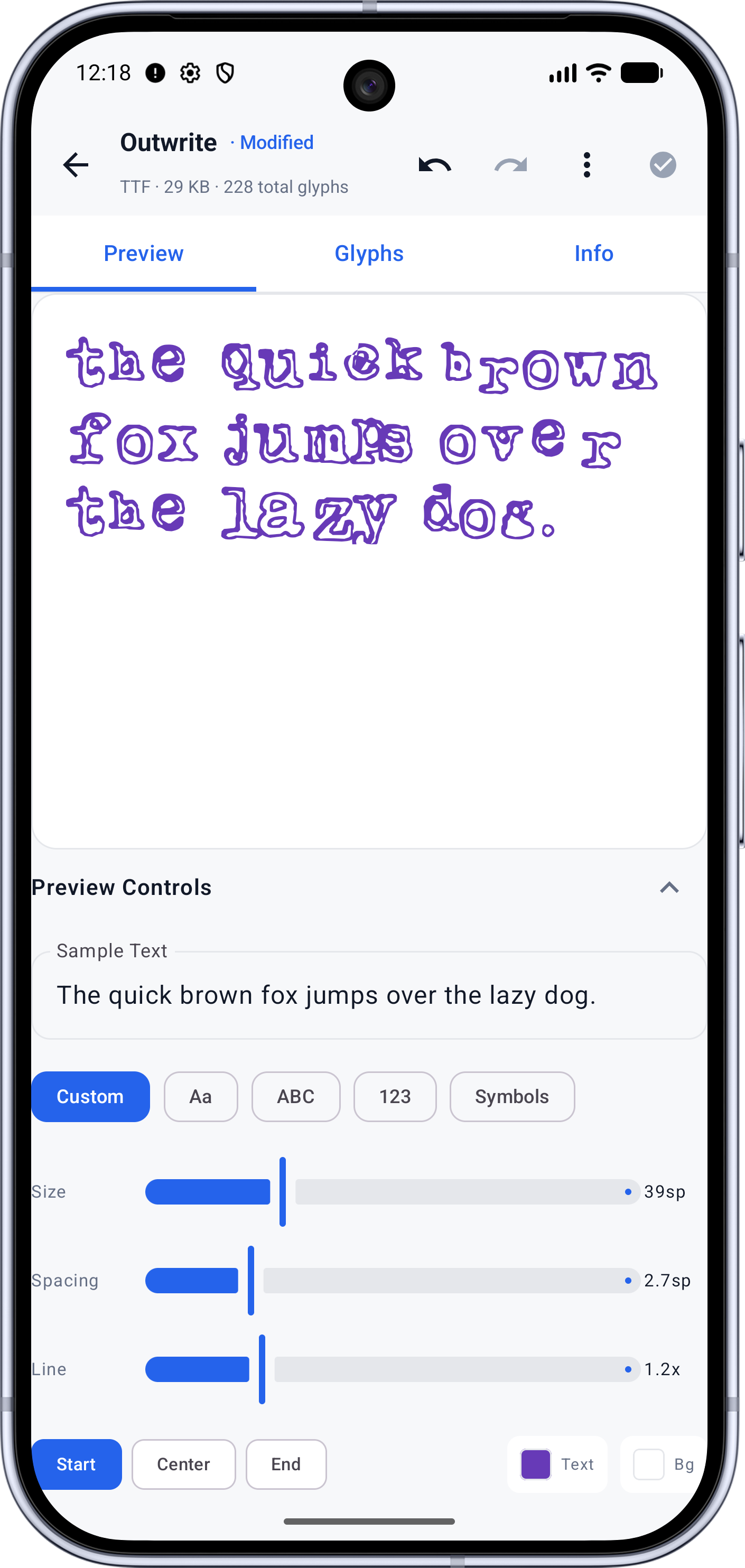
- Font inspection
- Glyph editing
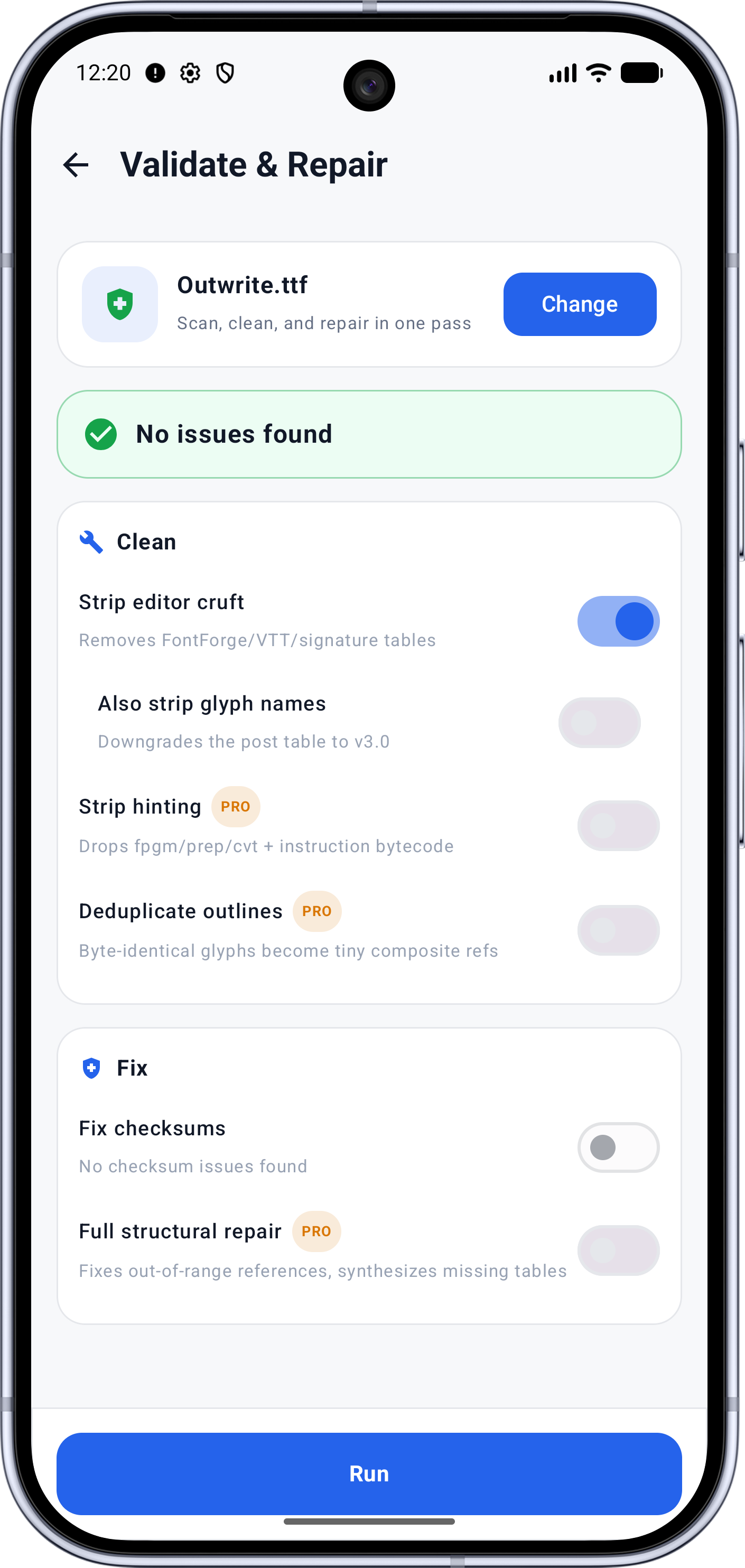
- Font health / validation
- Font repair
- Glyph removal
- Glyph replacement
- Font merging
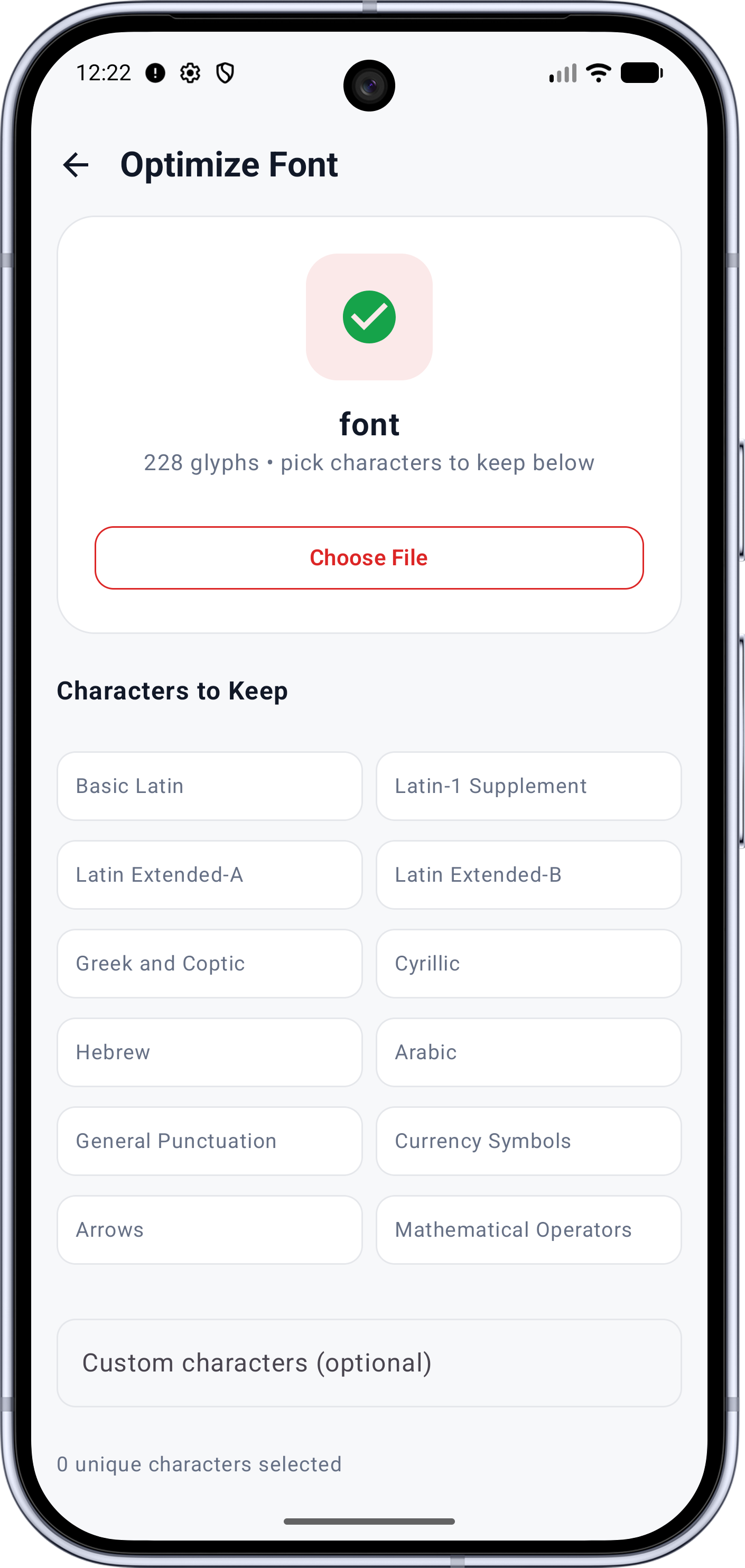
- Subsetting
- Font conversion
- Typeface creation
- TTF
- OTF
- WOFF
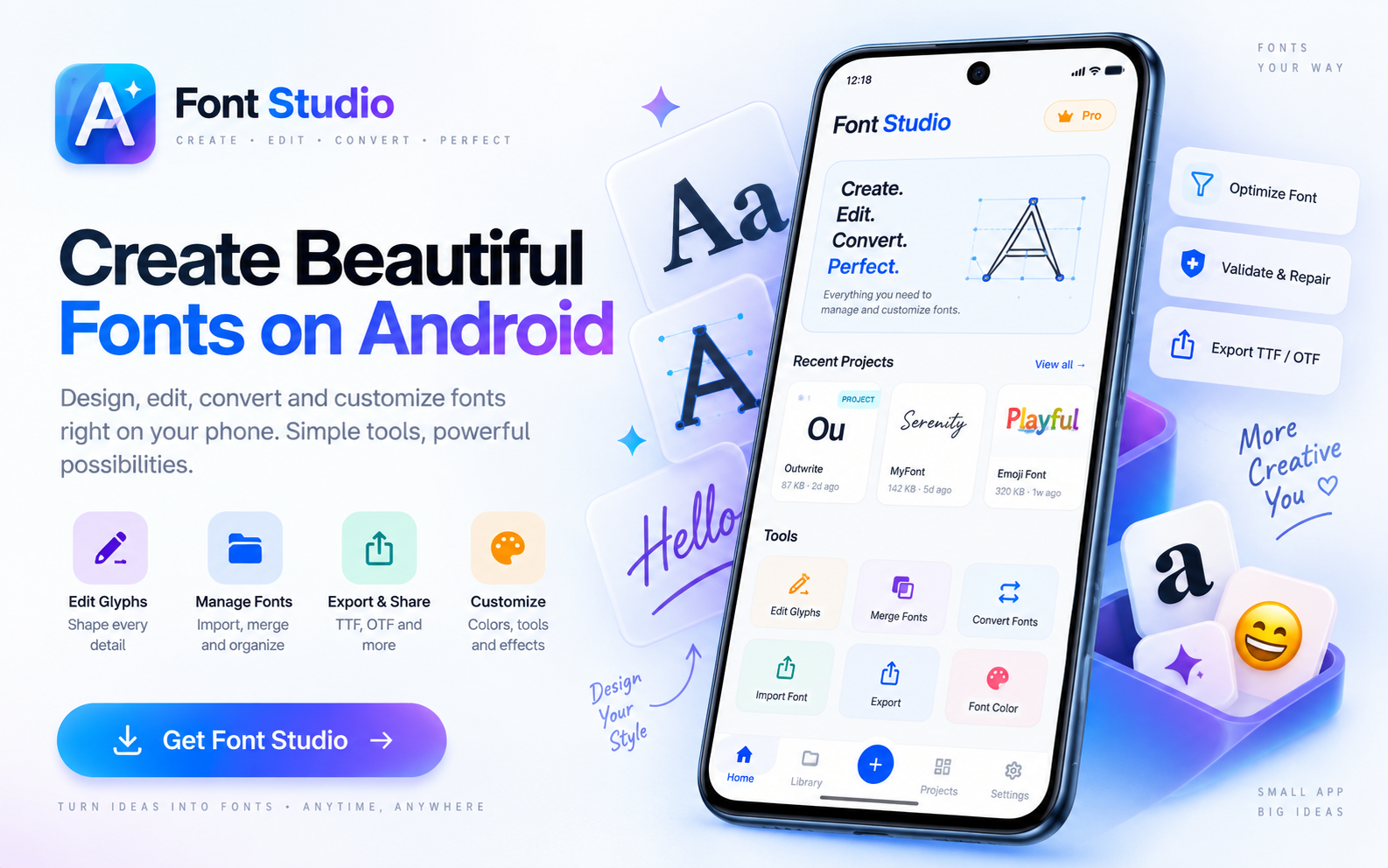
Inspect. Edit. Build.
Font Studio gives you a complete font engineering workflow on Android, iPhone and iPad.
The toolkit
Ten tools. One app.
Every Font Studio tool has its own page — start from the job you came to do.
Free vs Pro
A free toolkit. A Pro engineering tier.
The core toolkit — inspect, subset, convert, merge, repair — is free. Pro adds the heavy engineering: vector glyph design, metrics editing, batch processing and export packages.
| Capability | Free | Pro |
|---|---|---|
| Font inspection & preview | Font Inspector (metadata, metrics, Unicode coverage, GSUB/GPOS), live preview with custom text and specimens | Included in Free |
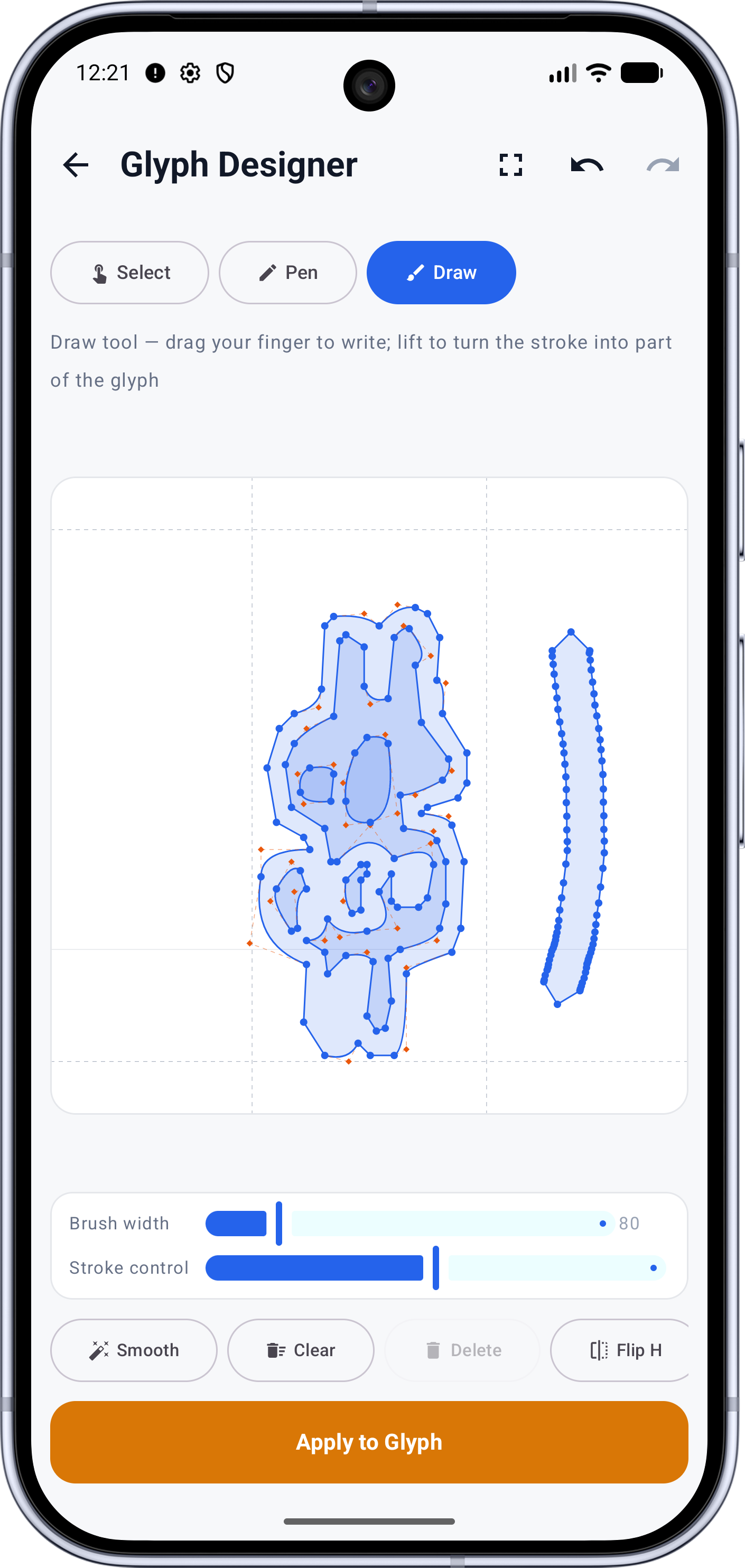
| Glyph tools | Browse, inspect and remove glyphs | Vector glyph designer (Pen & Draw), advanced glyph transforms, glyph replacement, SVG import/export |
| Font engineering | Spacing & advance widths, kerning pairs, OpenType features, variable font axes | Metrics & kerning editor, variable font building |
| Compose & merge | Combine fonts with up to two sources, add missing glyphs, conflict resolution | Unlimited sources, hand-picked scopes, per-character conflict decisions |
| Conversion, subsetting & repair | TTF/OTF/WOFF conversion, subset & split, health analysis, clean/normalize outlines, repair, optimize, re-analyze | Advanced repair & cleanup, web & Android export packages |
| Unicode & emoji tools | Unicode blocks & coverage, emoji/color font data, replace emoji artwork, color glyphs | Included in Free |
| Workflow | Projects & library, undo, export | Batch processing, reusable processing recipes |
Pricing
Font Studio is free to download and use — the toolkit above is not a trial. Pro is available as a monthly or yearly subscription, or as a one-time lifetime unlock, with a free trial. The same Pro prices apply on Google Play and the App Store.
Monthly
$2.99$3.99
per month
Intro price — first 6 months
Yearly
$19.99$29.99
per year
Intro price — first year
Lifetime
$39.99$49.99
one-time
Intro price — limited time
Introductory prices: monthly and yearly apply to the first billing period(s) shown; the lifetime price is a limited-time offer.
FAQ
Questions, answered
Short answers here; the full detail lives in the docs.
Which platforms does Font Studio run on?
Android (Google Play, Android 7.0+) and iPhone/iPad (App Store, iOS 15.0+) — one shared engine, versioned in lockstep. There is no desktop version; Font Studio is deliberately mobile.
Installation & setup →Does it work offline? Are my fonts uploaded anywhere?
All font processing happens on-device — your font files are not uploaded. Connectivity serves the app stores and billing only. No account is needed for the free toolkit.
What's included in the free tier?
The core toolkit: font inspection and preview, glyph removal, subsetting and splitting, TTF/OTF/WOFF conversion, health scans and repairs, Compare & Compose with up to two sources, and the Start New Font wizard.
Full FAQ →What does Pro add — and what does it cost?
The Pro engineering tier: the vector glyph designer (Pen & Draw), glyph replacement, the metrics & kerning editor, unlimited composition sources with per-character conflict decisions, variable font building, advanced repair, batch processing, reusable recipes, and the web & Android export packages. Pro starts at $2.99/month (first 6 months, then $3.99), $19.99/year (first year, then $29.99), or a $39.99 lifetime unlock (limited time, regularly $49.99) — same prices on both stores, free trial included.
Which font formats can it open and write?
It opens TTF, OTF and WOFF (WOFF2 can be picked but not decoded yet), and writes TTF, OTF and WOFF. Conversions between TTF and OTF are real outline conversions, not renames.
Supported formats →Can I edit glyph shapes on a phone?
Yes — the Glyph Designer is a real vector editor with Select, Pen and Draw modes over metric guides. List-driven work (removal, subsetting, merging) is comfortable on any screen; fine drawing benefits from a tablet and a stylus.
Glyph Designer →
On-device processing
Try Font Studio
Free to download on Android and iPad. Font processing happens on your device — your font files are not uploaded.
Documentation
Font Studio Docs
Practical guides for creating, editing, repairing and engineering fonts.
Explore the documentationListed at