
Font Studio — Font Health
Know a font is healthy before your users find out.
The font renders fine on your machine — but "fine on my machine" is not validation. A structural scan tells you what an installer or renderer will think of it.
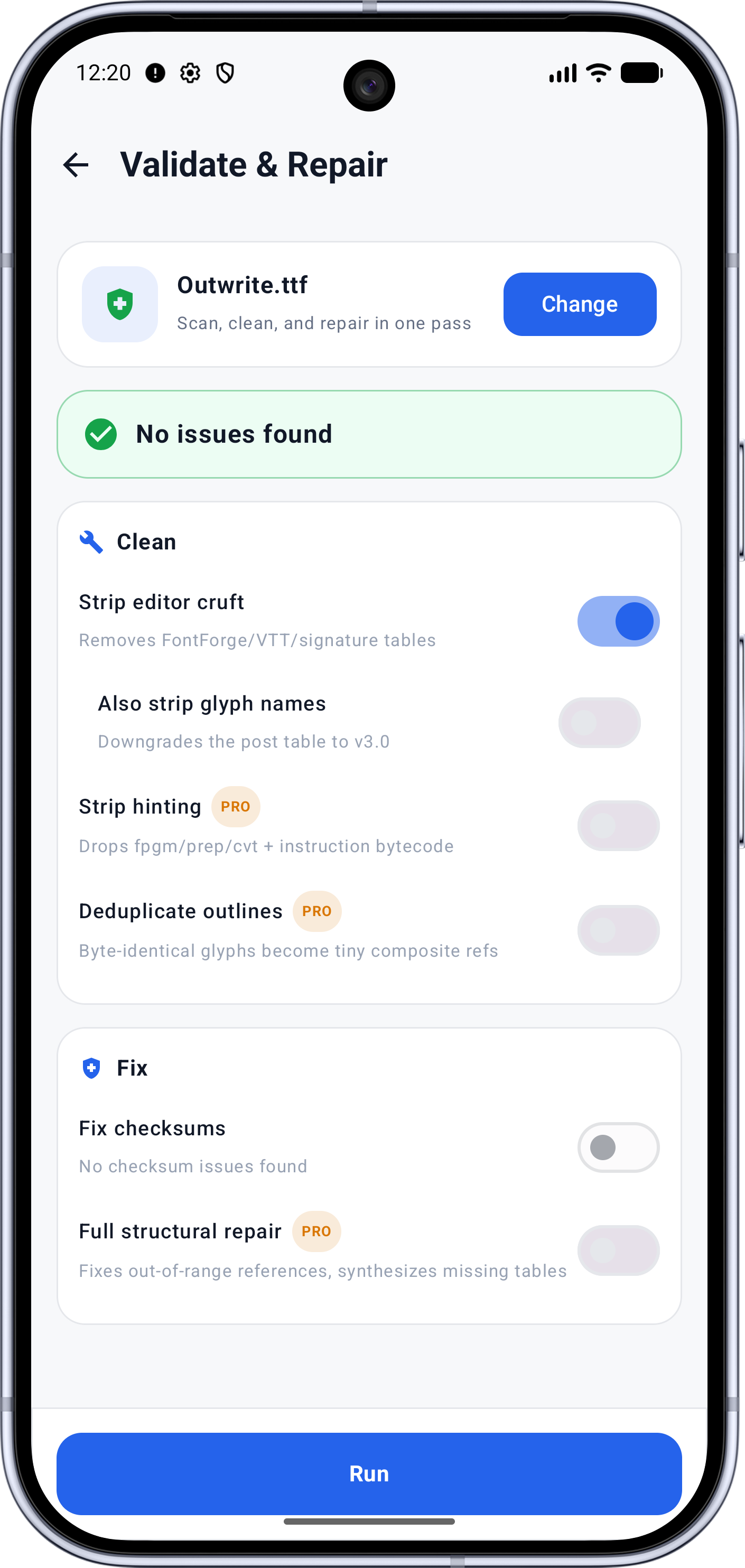
Capabilities
What it does
- Quick and Full validation modes
- Technical health score out of 100 with per-category breakdown
- Findings filterable by severity and fixability
- Checks Outlines, Glyphs, Unicode, Metrics, OpenType, Structure, Compatibility and Export
- Re-analyze after every change
Screens
See it working
Workflow
How it works
- 01
Open the font and run the scan — Full covers per-glyph geometry; Quick skips the expensive checks.
- 02
Read the score band and the plain-language summary: polishing, or rescuing.
- 03
Drill into findings — each names affected tables and glyphs, and whether a fix exists.
- 04
Jump to repairs, or export with confidence if the scan is clean.
Who it's for
Made for this job
- Anyone redistributing a modified font
- Support engineers diagnosing font bug reports
Docs
In the documentation
Guides
Step-by-step walkthroughs
More Font Studio tools
- Font Editor
- Glyph Editor
- Font Converter
- Font Repair
- Font Subsetter
- Font Merger
- Font Inspector
- Font Editor for Android
- Font Editor for iPad
Looking for everything in one place? Back to the Font Studio overview.
On-device processing
Try Font Studio
Free to download on Android and iPad. Font processing happens on your device — your font files are not uploaded.