
Font Studio — Font Repair
Repair fonts that won't install or render wrong.
A downloaded font refuses to install, crashes your text stack, or renders boxes. The file is structurally damaged — and no amount of re-downloading will say why.
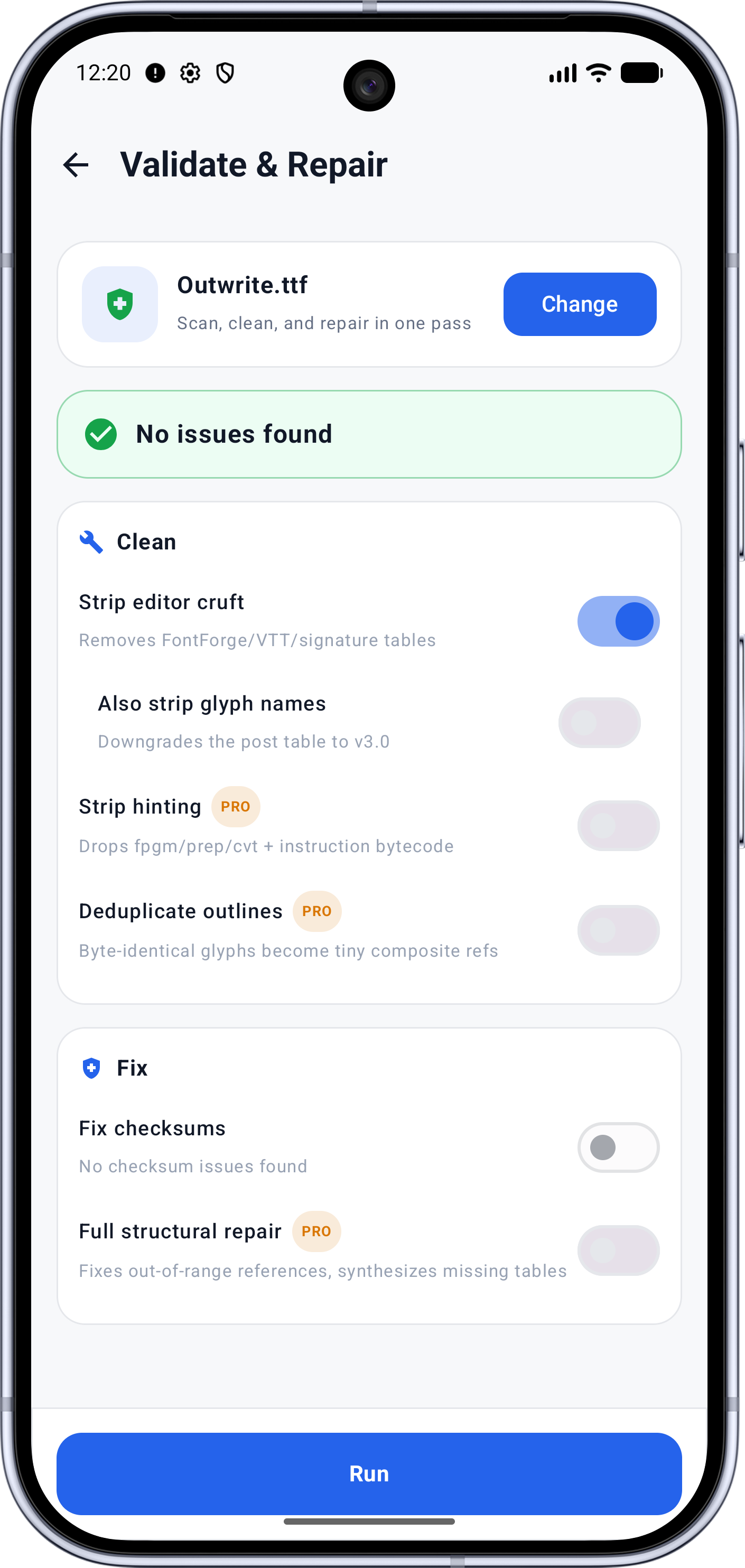
Capabilities
What it does
- Full structural scan with a technical health score out of 100
- Every finding names the table, the problem, and whether it can be fixed
- Conservative, Balanced and Aggressive repair profiles
- Dry-run preview before anything is written
- Repairs for checksums, broken outlines, vertical metrics and more
- Advanced repair & cleanup (Pro)
Screens
See it working
Workflow
How it works
- 01
Run the full scan and read the health score — Excellent, Good, Fair or Poor.
- 02
Walk the findings list, filterable by errors, warnings and fixability.
- 03
Choose a repair profile and review the dry run of exactly what will change.
- 04
Apply, save, and test the symptom that brought you here.
Who it's for
Made for this job
- Anyone whose downloaded font misbehaves
- Teams shipping fonts that must validate before release
Docs
In the documentation
Guides
Step-by-step walkthroughs
More Font Studio tools
- Font Editor
- Glyph Editor
- Font Converter
- Font Subsetter
- Font Merger
- Font Inspector
- Font Health
- Font Editor for Android
- Font Editor for iPad
Looking for everything in one place? Back to the Font Studio overview.
On-device processing
Try Font Studio
Free to download on Android and iPad. Font processing happens on your device — your font files are not uploaded.