
How to edit fonts on Android
The phone-first font editing workflow: get the font onto the phone, inspect it, edit glyphs or metrics by touch, validate, and export — no desktop involved.
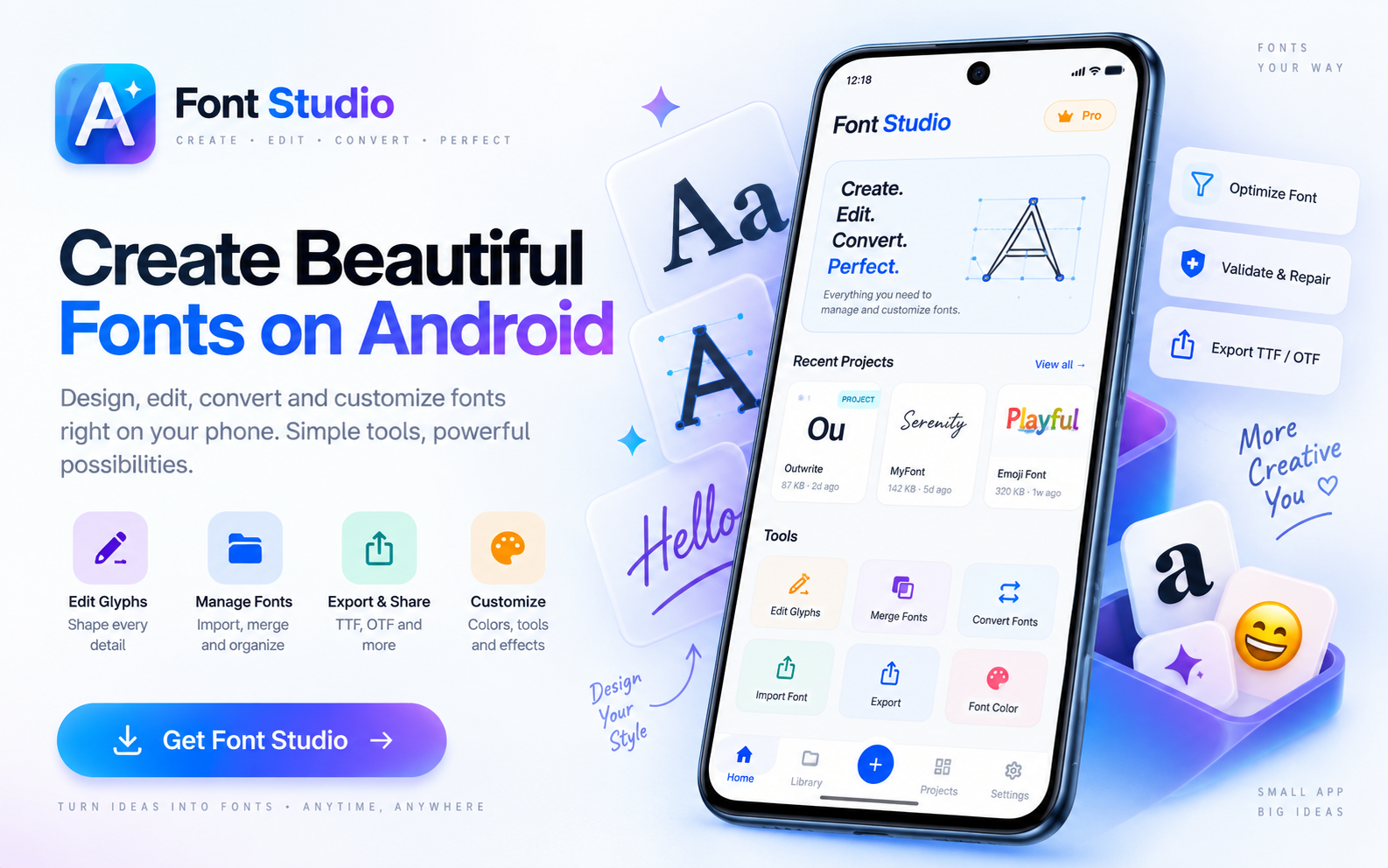
You can edit a font entirely on an Android phone with Font Studio: open the TTF or OTF, make your changes by touch, validate the result, and export. The whole loop runs on the device — and the original file is never overwritten.
No desktop, no uploads: font processing happens on your phone, works offline, and needs no account.
What you'll learn
- How to get the font onto the phone and into the app
- Which edits work well by touch — and which to save for a tablet
- How to validate and export from the phone
Step 1 — Get the font onto the phone
Download it, receive it, or copy it over USB — any file in your storage is reachable from Font Studio's pickers. Straight from the internet? Screen it first: How to repair a corrupted font covers the diagnosis workflow.
Step 2 — Inspect before editing
Two minutes that save twenty: the Font Inspector confirms what the file is, the Unicode Explorer confirms what it covers, and a Font Health scan tells you whether it's structurally sound to edit at all.
Step 3 — Edit by touch
Works great on a phone:
- Removing glyphs — select them in the workspace's Glyphs tab and hit Remove; list-driven, tap to select
- Subsetting and splitting — checkbox and chip workflows, ideal for small screens
- Merging fonts (Compare & Compose) — card-based decisions
- Health checks and repairs — fully touch-driven end to end
Better on a tablet, where the canvas is bigger and precision comes easier:
- Drawing outlines in the Glyph Designer — the stylus version is Using Font Studio on iPad
- Fine spacing work in Metrics & kerning (Pro)
Step 4 — Validate and export
Run Font Health on the result, then export: save the file to storage, or build a packaged export — web or Android — right on the phone. Share the output from your file manager like any other file.
Editing vs. installing
Editing a font and installing it system-wide are different jobs — Android sideload steps live in Installing fonts on Android.
What to try next
- The full editing loop, tool by tool: How to edit a TTF font
- Building instead of editing? How to create a font on Android
Full documentation